Desert Online General Trading LLC
Dubai, United Arab Emirates
Desert Online General Trading LLC
Dubai, United Arab Emirates
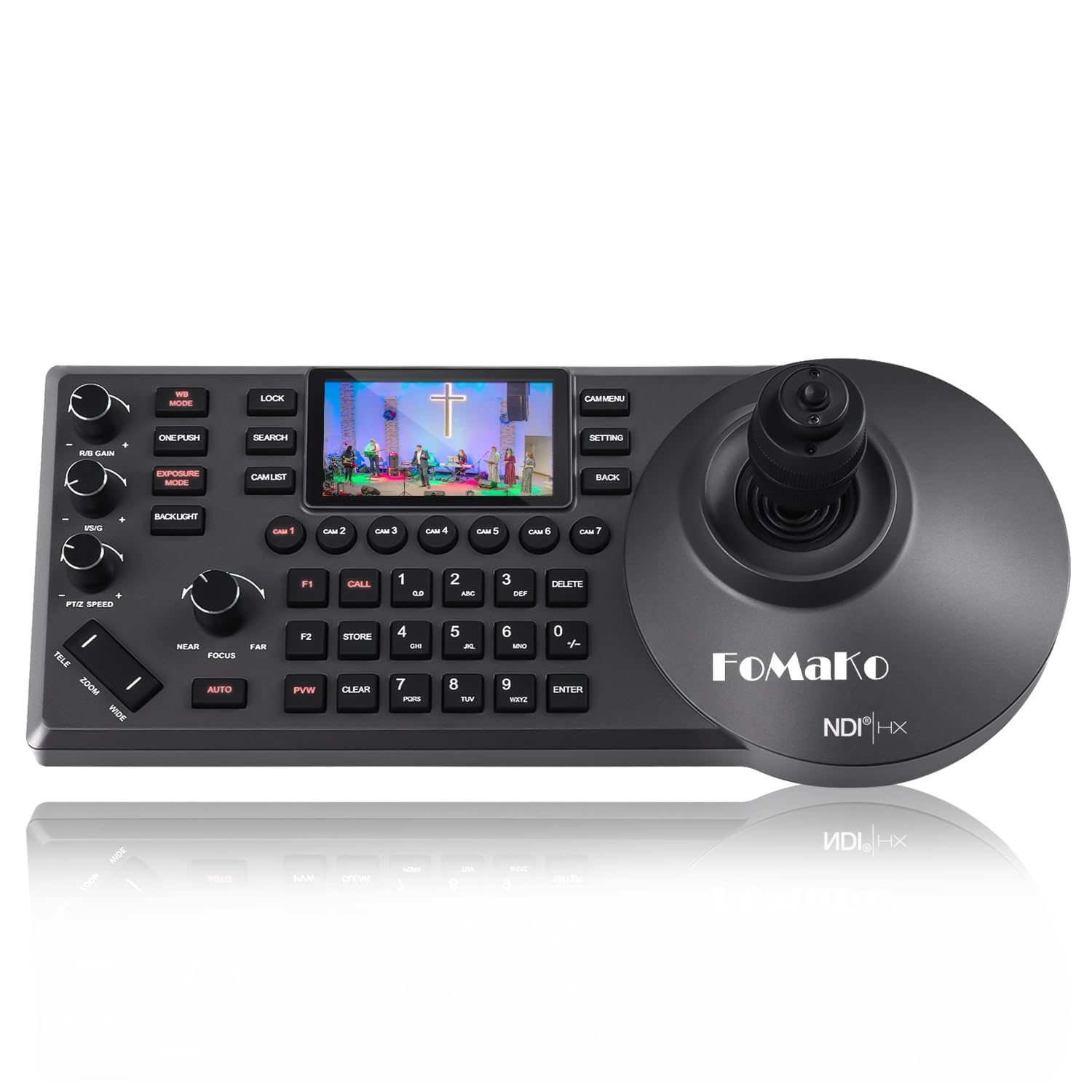


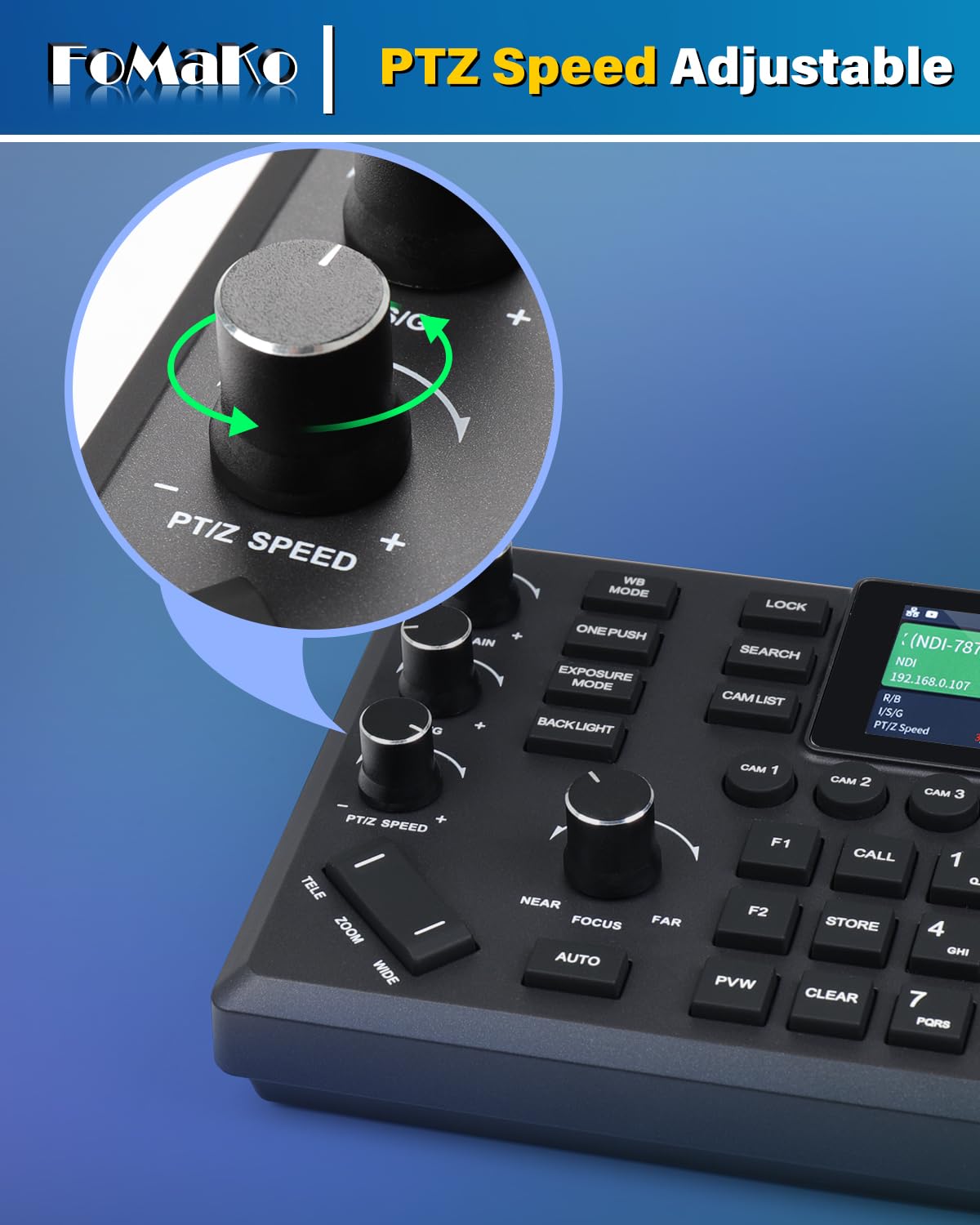


🎥 Own the Live Stream: Command Every Angle with FoMaKo KC608 Pro
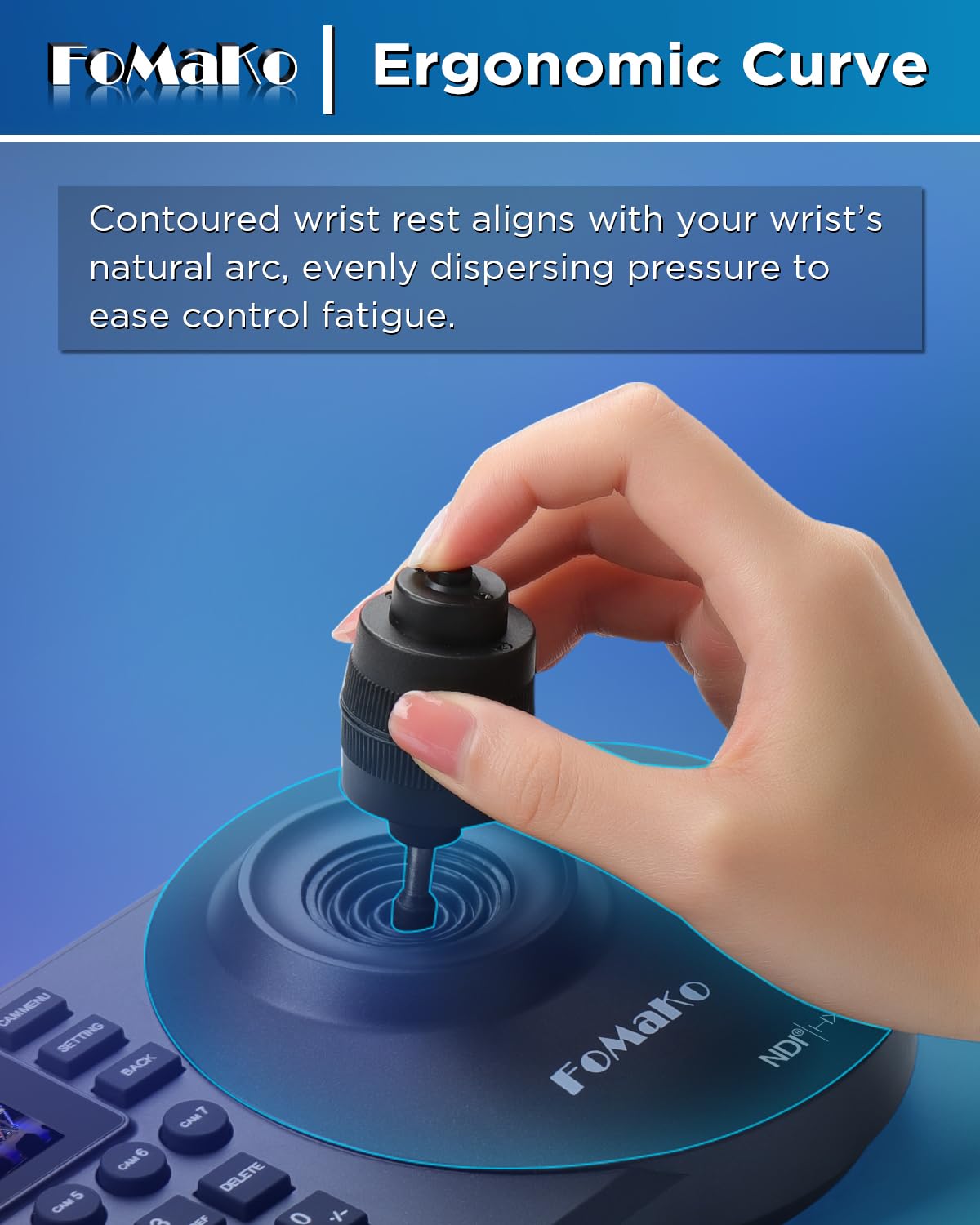
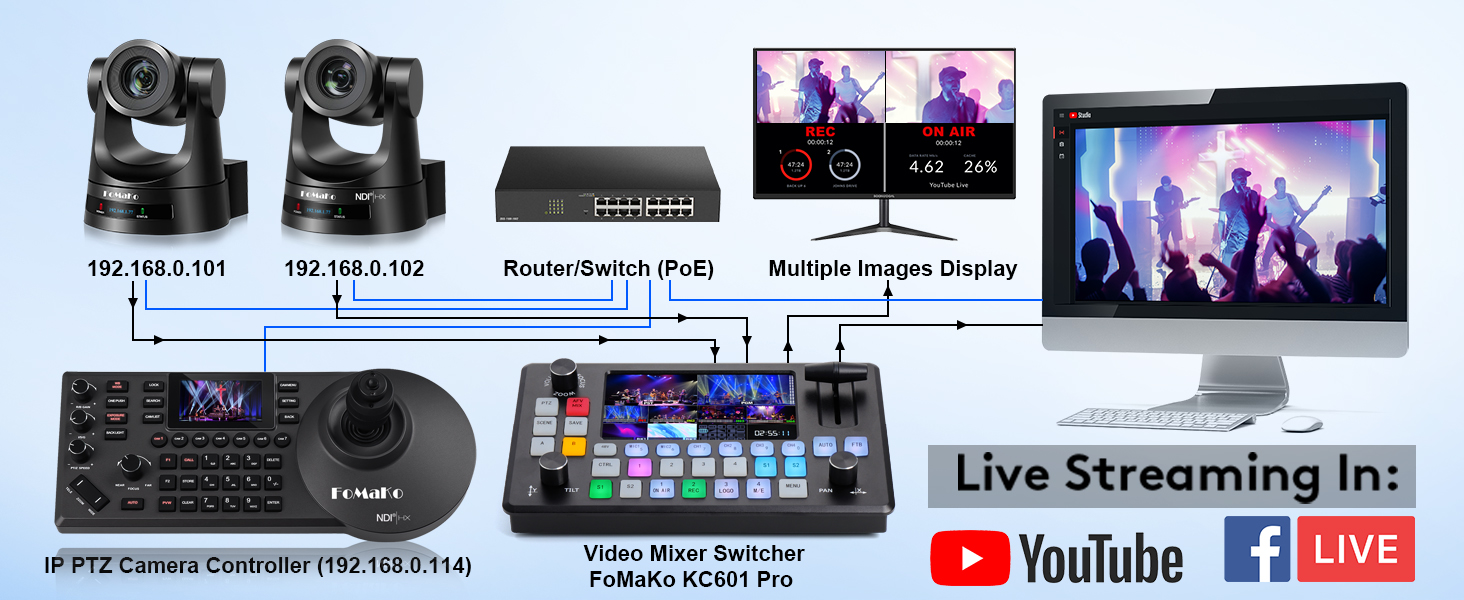
The FoMaKo NDI PTZ Camera Controller KC608 Pro is a cutting-edge, PoE-powered device featuring a 3-inch preview LCD and a 4D precision joystick. It supports multiple protocols including VISCA and PELCO, enabling seamless control of up to 255 PTZ cameras via IP. Designed for professional live streaming in churches, education, esports, and conferences, it offers ergonomic comfort, multi-camera shortcuts, and compatibility with major streaming software like vMix and OBS. Backed by a 3-year warranty and expert support, it’s the ultimate tool for flawless multi-angle video production.
| Package Dimensions L x W x H | 39.5 x 20.7 x 15.2 centimetres |
| Package Weight | 1.75 Kilograms |
| Product Dimensions L x W x H | 32 x 18 centimetres |
| Item Weight | 1.75 Kilograms |
| Brand | FoMaKo |
| Colour | KC608 Pro |
| Has image stabilisation | No |
| Max Focal Length | 98 Millimetres |
| Min Focal Length | 5.2 Millimetres |
| Model year | 2024 |
| Part number | FMK-KC |
| Style | FMK-KC-608 |
| Guaranteed software updates until | unknown |
M**D
Excellent controller for PTZ cameras for church
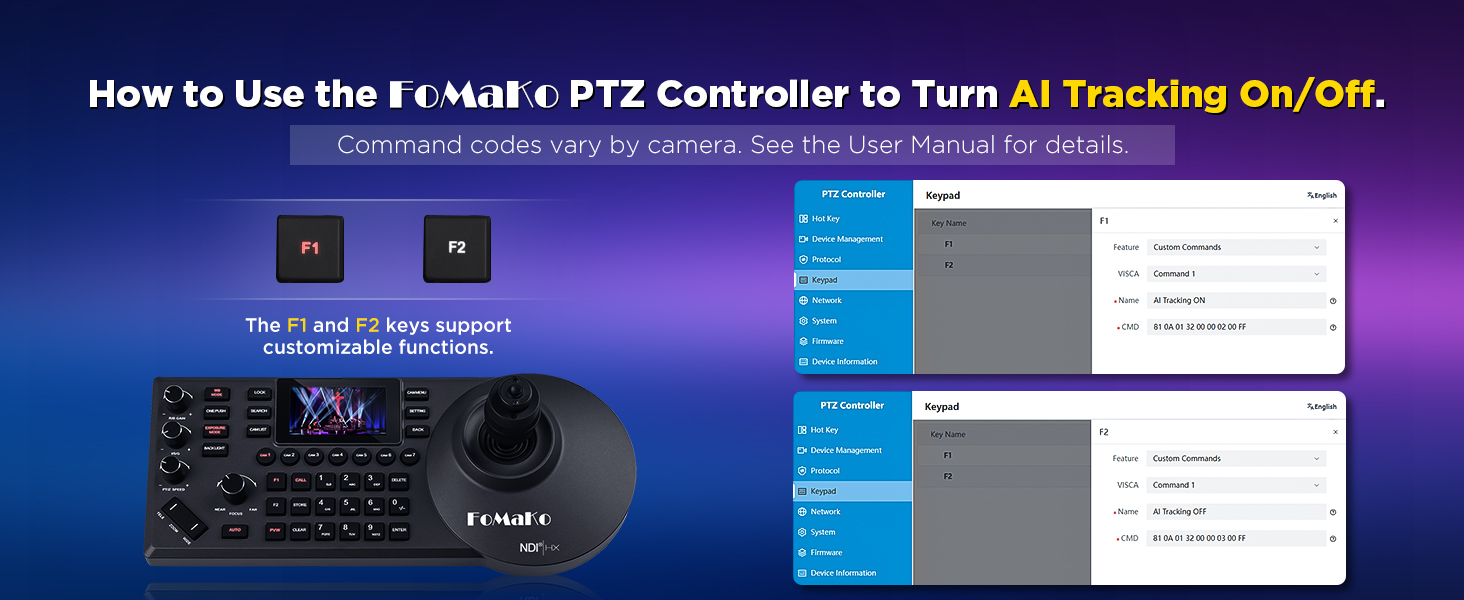
We have this and a pair of FMK-12UH Pro cameras for church.- easy to setup up - happily autodiscovers both cameras (tip - get your router to 'pin' their IPs so they don't change- camera position presets really handy- joystick responsive (and can set sensitivity)- almost all the annoying features (the BEEP!) can be turned off- can flip joystick axes if you find them counter intuitive (I prefer push to be 'dive',. i.e. camera nose down...)- can configure F1/F2 keys to turn camera AI tracking on/off for one camera- support (thank you Ivan) are very responsive and helpful!)One small issue, which I have sent to FoMaKo as a suggestion:- switching between presets is very fast and jerky - clearly the controller has a 'get there as fast as it can' approach rather than trying to plot a smooth path - if you have two cameras, I'd suggest not switching presets on the one that's currently live :D [Edit: there's a setting for that via the camera remote - thanks Ivan)Also turning AI tracking off sends the camera to its saved 'home' position immediately (this is a camera issue not a controller issue, but if you're managing AI tracking from the controller, it's worth being aware you should switch to a different camera before turning it off!) [Edit: setting for that as well on the camera web interface - told you support were resposive!)
Trustpilot
3 days ago
2 months ago